Core Web Vitals Explained
Understand Core Web Vitals—Google's user experience metrics measuring loading, interactivity, and visual stability that directly impact search rankings.
Explore artificial intelligence, productivity tools, and digital innovation. Understand how technology shapes work, learning, and society.
Technology isn't neutral—it shapes what we pay attention to, how we organize information, and what kinds of thinking feel natural. From personal knowledge management tools to social media platforms, from notetaking apps to algorithmic recommendation engines—each tool subtly influences our cognitive behavior and work patterns.
This collection examines the relationship between digital tools and human cognition. We explore digital minimalism, the attention economy, toolthought fit, and how to use technology intentionally rather than reactively. The goal is to help you choose and use tools that enhance your thinking rather than undermine it.
What you'll find: Analysis of how tools shape cognition, strategies for mindful technology use, reviews of knowledge management systems, explorations of attention and distraction, and insights from digital culture and information architecture.
Artificial intelligence, ML models, and practical applications
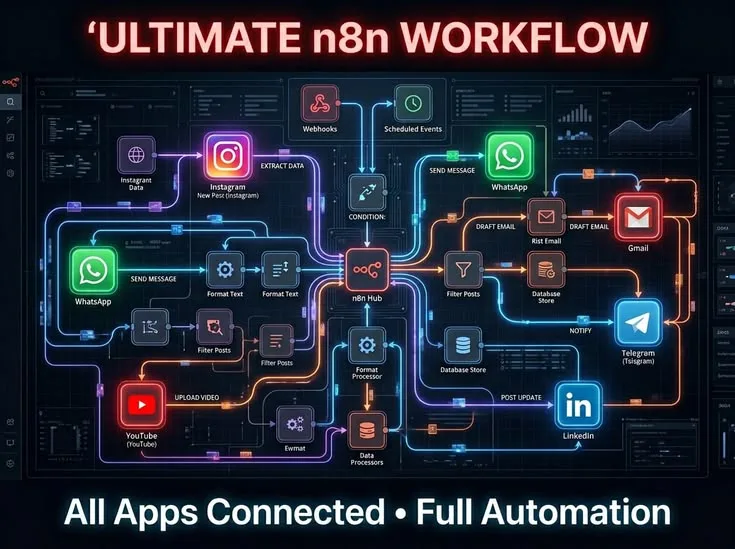
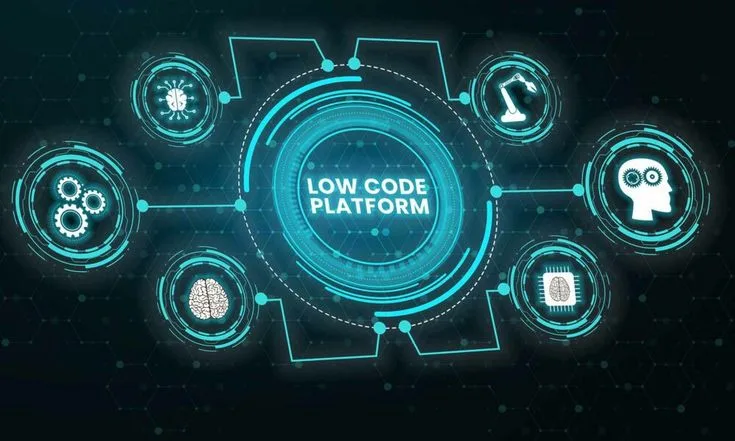
18 articlesWorkflow automation and no-code/low-code platforms
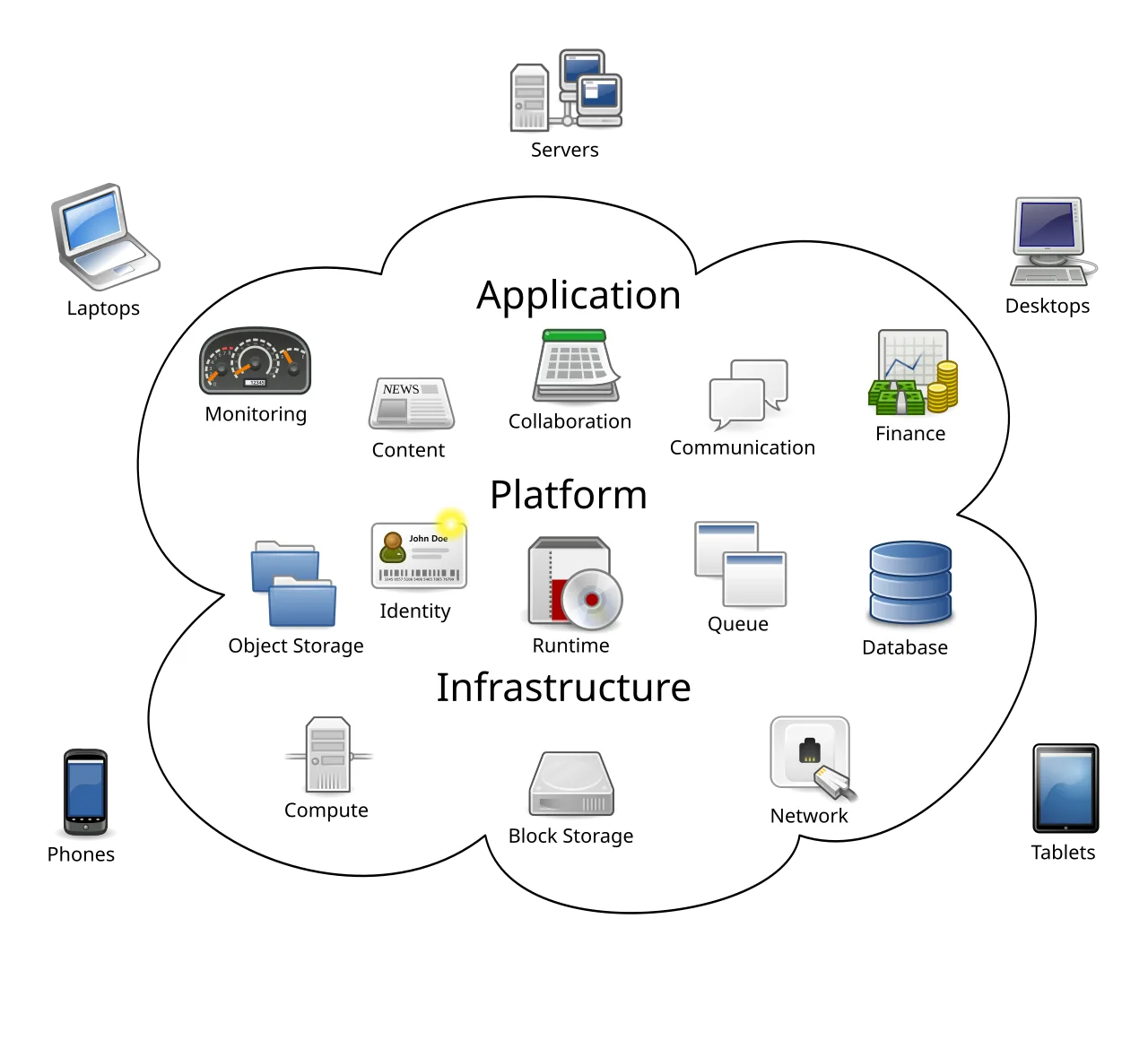
14 articlesCloud infrastructure, deployment, and DevOps practices
16 articlesSecurity practices, privacy protection, and threat prevention
15 articlesData analysis, visualization, and insight extraction
17 articlesMobile development, platforms, and app architecture
13 articlesCoding practices, languages, and development workflows
22 articlesCareer paths, role definitions, and skill development
16 articlesDeveloper tools, software reviews, and stack recommendations
20 articlesSite optimization, performance tuning, and search visibility
14 articles
Understand Core Web Vitals—Google's user experience metrics measuring loading, interactivity, and visual stability that directly impact search rankings.
How knowledge management tools work and how to choose the right system for capturing, organizing, and retrieving information in 2026.
Junior vs senior developers: differences in skills, mindset, responsibilities, and how to progress from junior to senior engineer.
Technical debt explained: what it is, how it accumulates, when it's acceptable, and strategies for managing and paying down debt.
Code quality explained: readability, maintainability, performance, and what separates professional code from beginner code in 2026.
Native vs cross-platform app development compared: performance, cost, development speed, user experience, and when to choose each approach.
Data quality issues explained: common problems, impact on analysis, detection strategies, and how to improve data quality in organizations in 2026.
Data-driven decision making explained: benefits, pitfalls, how to implement effectively, and balancing data with judgment in 2026.
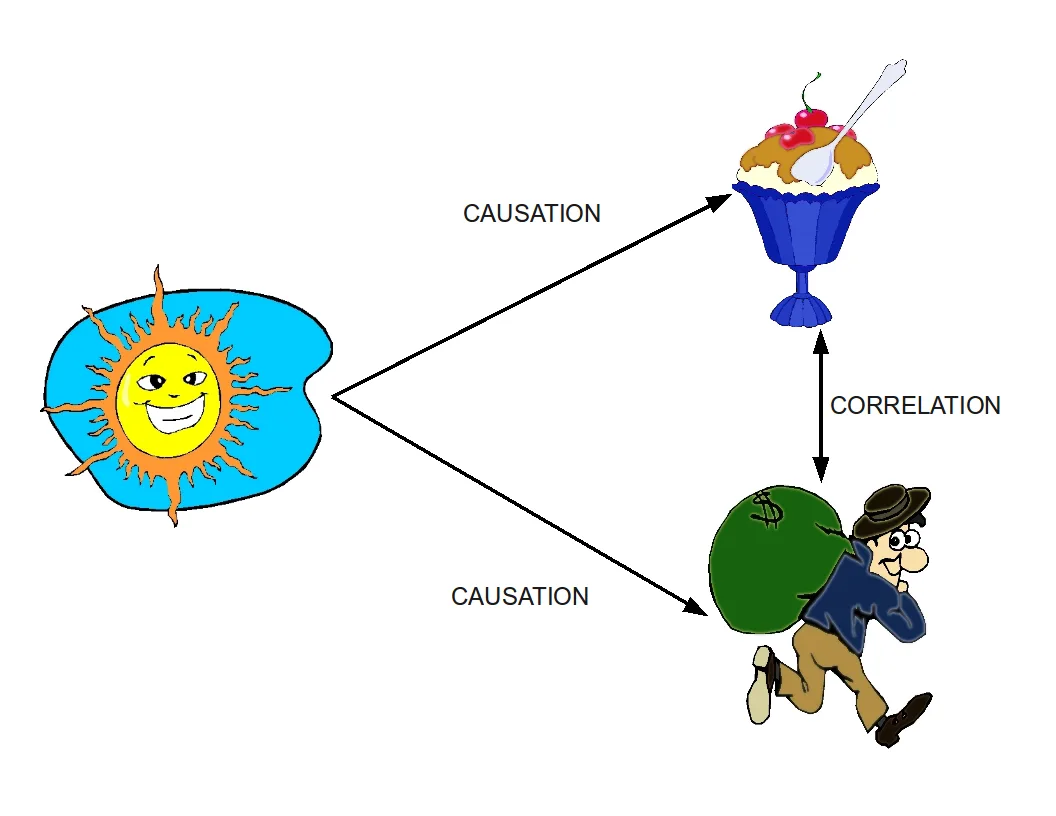
Causation and correlation explained: the difference, why it matters, how to establish causation, and avoiding false causal claims in data analysis in 2026.
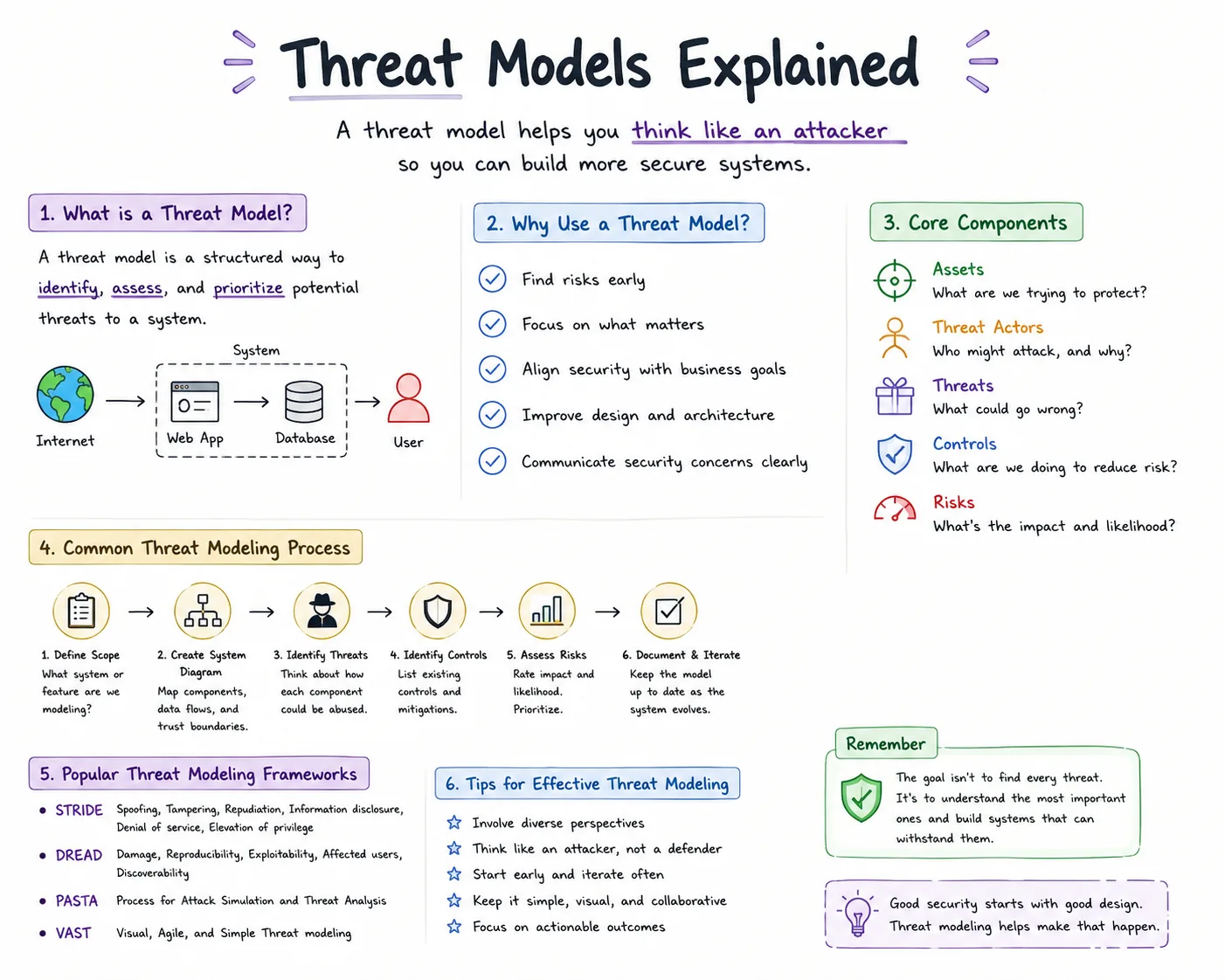
Threat modeling explained: what it is, how to identify threats, assess risks, prioritize defenses, and design secure systems in 2026.
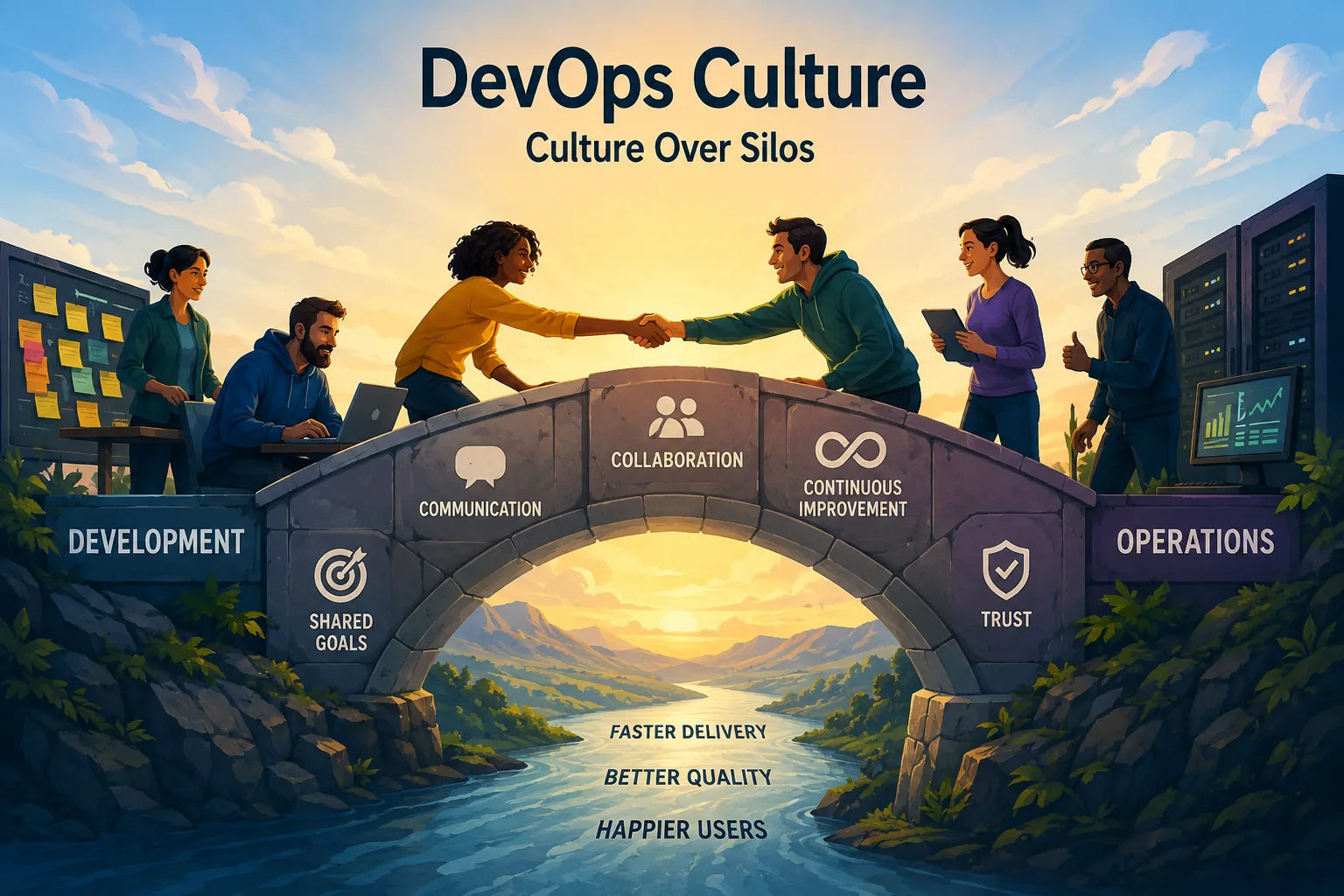
DevOps culture explained: breaking down silos, shared ownership, blameless culture, measuring success, and implementing cultural change in engineering teams in 2026.
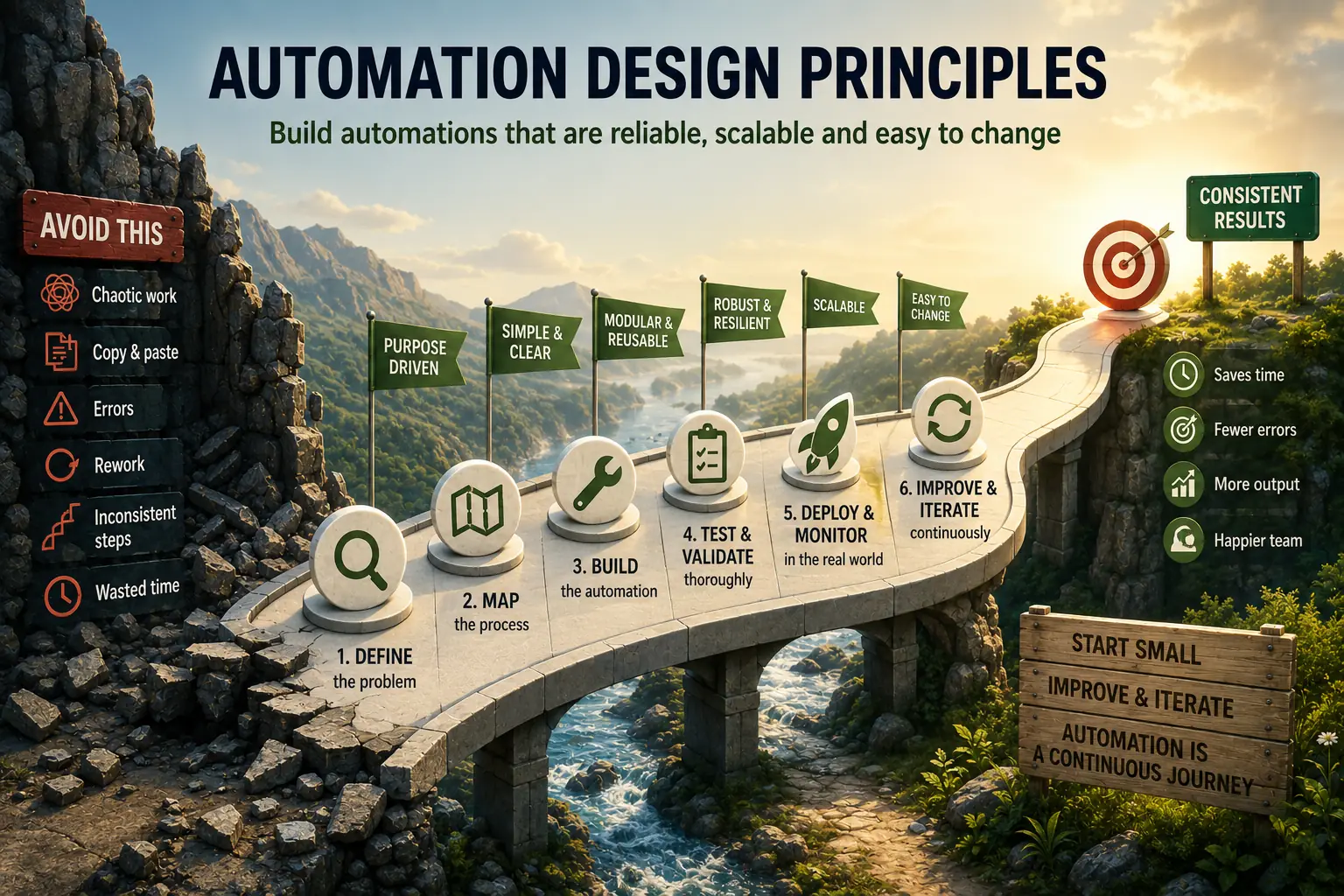
Core principles for designing automation workflows: reliability, maintainability, error handling, documentation, and best practices for 2026.
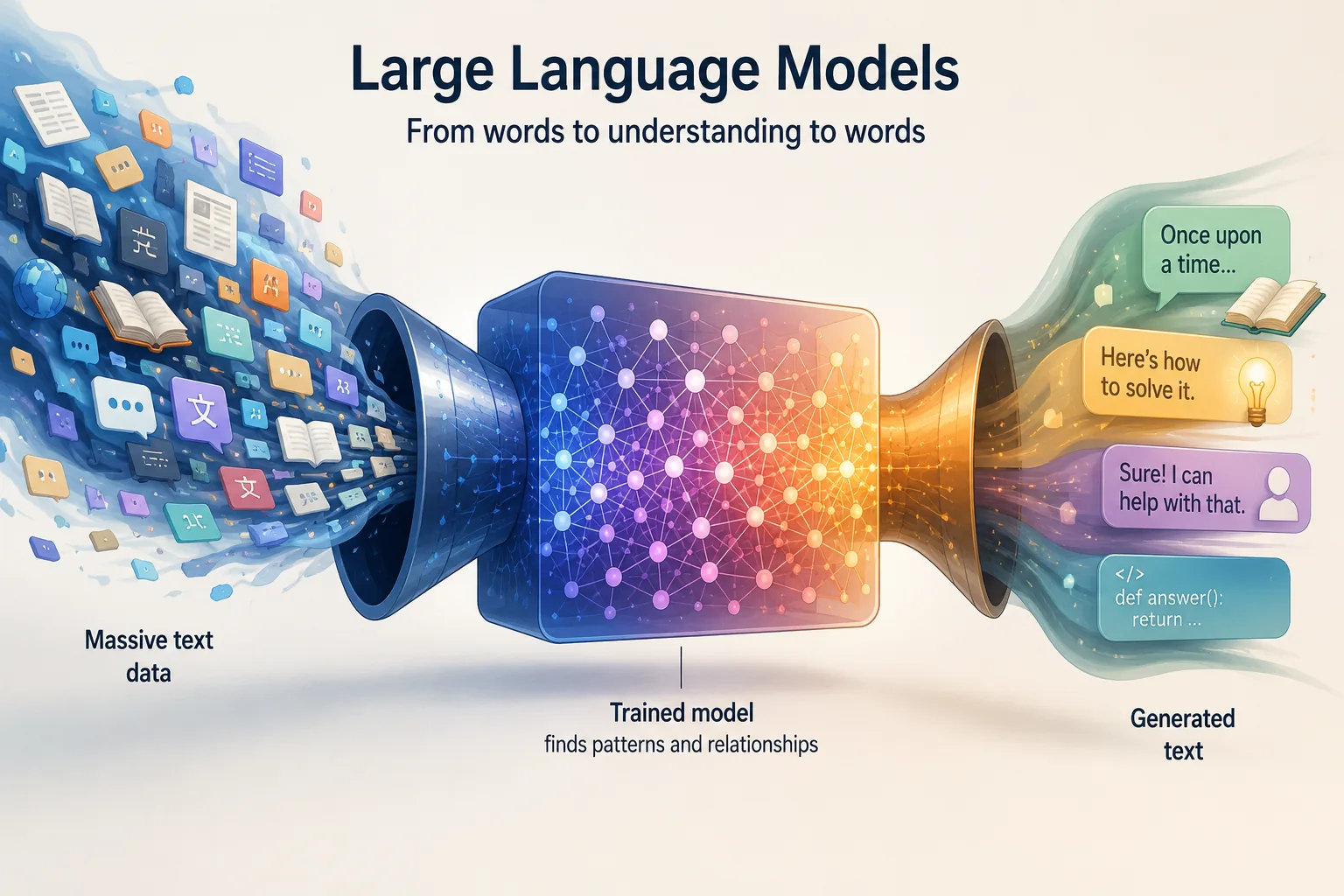
Demystify large language models like GPT—exploring how they work, capabilities, limitations, and practical implications for knowledge work and society.
Understand AI and machine learning basics—from neural networks to training data, exploring foundational concepts without the hype or intimidating math.
Understand when AI fails—exploring fundamental limitations, common failure patterns, adversarial examples, and why AI isn't magic but statistical pattern matching.
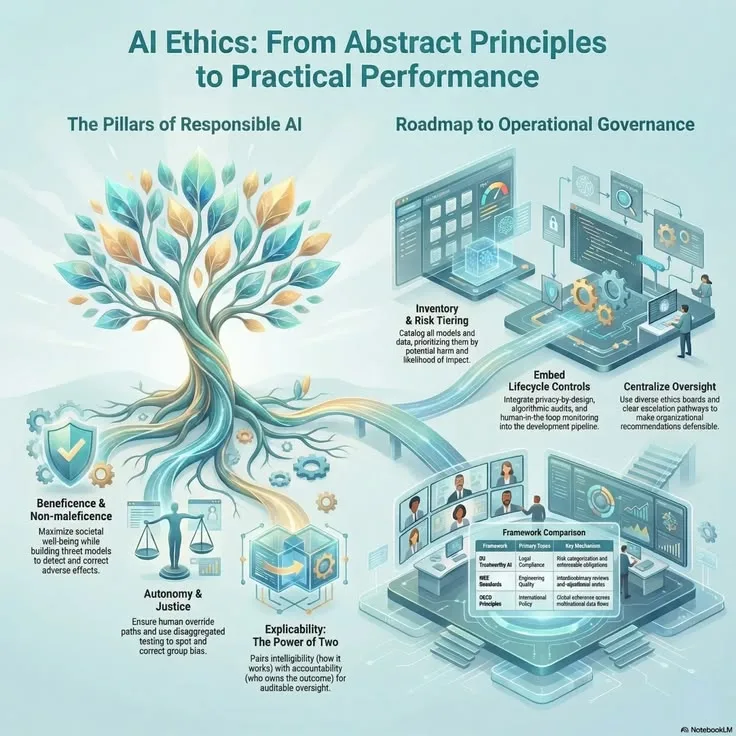
Navigate AI's ethical challenges—from bias and fairness to job displacement, exploring responsible development and societal implications of widespread AI adoption.
Digital minimalism is a philosophy of technology use focused on intentional tool selection and usage. Rather than accepting every new app and platform, digital minimalists carefully choose tools that serve their values and goals, while eliminating or reducing digital distractions that don't add meaningful value.
Technology affects attention through design patterns like infinite scroll, notifications, and variable rewards that exploit psychological vulnerabilities. Modern digital tools fragment attention into shorter spans, making deep focus harder and training our minds to crave constant stimulation rather than sustained concentration.
Personal knowledge management (PKM) is the practice of capturing, organizing, and connecting information to support learning and creative work. It involves tools like notetaking apps, knowledge graphs, and retrieval systems that help you build a personal library of insights you can access and recombine over time.
Tools shape thinking by constraining and enabling certain cognitive behaviors. A hierarchical outliner encourages linear thinking; a graphbased tool promotes associative connections. The medium isn't neutral—it influences what ideas feel natural, what patterns you notice, and what kinds of thoughts emerge during your work.
The attention economy treats human attention as a scarce resource that platforms compete to capture and monetize. Social media, streaming services, and content platforms use algorithmic recommendations and behavioral design to maximize engagement, often at the expense of user wellbeing and cognitive health.
Mindful technology use requires intentional design of your digital environment: disable unnecessary notifications, use apps with purpose rather than habit, create friction for distracting tools, schedule focused work time, and regularly audit which tools genuinely serve your goals versus which exist through inertia.
Toolthought fit describes how well a digital tool aligns with your cognitive needs and thinking style. Good fit means the tool enhances your natural thought processes; poor fit creates friction. Finding toolthought fit requires understanding both how you think and how tools structure information and interaction.